AI-ENHANCED LEARNING
AI-Enhanced Learning for
Lift Engineers
Smart, interactive support that helps you learn faster and stay confident in the field: built for the language, standards, and site realities of vertical transportation.
Vertical-transportation specific · 24/7 support · Real tutors plus AI
YOUR DIGITAL LEARNING SUPPORT
A Tutor Built Around Lift and
Escalator Training
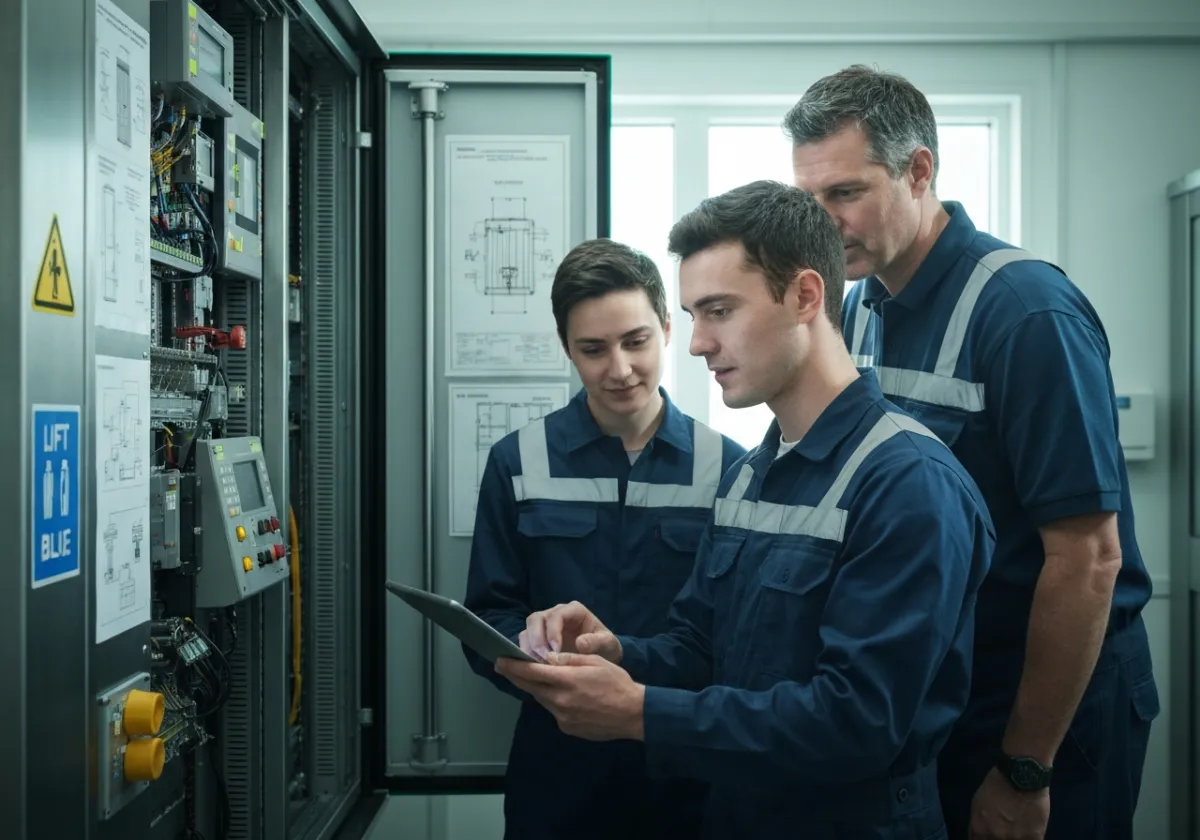
The AI Tutor is designed to support lift and escalator learners between instructor touchpoints: when you are reviewing modules, working through procedures, or validating what you just learned on-site.
It helps you navigate technical language, connect concepts to real components, and keep your learning moving forward without waiting for the next scheduled interaction.
AI support trained specifically in vertical transportation.
Built to stay aligned with lift and escalator training context, terminology, and the realities of in-cabinet work.
Designed for lift and escalator training environments, not generic study help.
AI Tutor Capabilities
How the AI Tutor
Supports Learners
Built into Vertiq Training learning modules, the AI Tutor responds in context: it explains concepts, guides portfolio work, and prompts checks that align to your course content and assessments.
Smart Feedback
Pinpoints what is correct, what is missing, and what to fix next using the criteria from your module tasks.
Instant Explanations
Turns unclear steps into clear reasoning with examples that match the equipment, terms, and diagrams in your lesson.
Portfolio Guidance
Helps you structure evidence, captions, and reflections so submissions stay aligned to the marking requirements.
Assessment Preparation
Suggests focused revision topics and practice prompts based on the outcomes your unit is testing.
24/7 Support
Always-available help for definitions, procedures, and next actions so you can keep progressing when you study.
Video Tutorial Integration
Connects your questions to the right tutorial segment so you can rewatch the exact step without re-scanning the whole video.
Quiz Integration
Generates targeted practice questions from your content areas to reinforce retention and reveal gaps early.
Knowledge-Check Prompts
Adds short checkpoints that confirm understanding before you move on, reducing errors later in practical tasks.
YOUR DIGITAL LEARNING SUPPORT
A Tutor Built Around Lift and
Escalator Training
The AI Tutor is a learning companion that helps you keep momentum between scheduled training interactions. When you are on-site, revising modules, or preparing for assessments, it is there to clarify technical points and keep your next step unblocked.
Expect practical, industry-aligned support: terminology, lift and escalator components, controller basics, fault-finding logic, safe working sequences, and documentation habits that match real vertical transportation environments.
AI support trained specifically in vertical transportation.
Designed for lift and escalator learners. Clear, technical, and industry-specific.
INTEGRATED LEARNING
Part of the Vertiq Training Online
Learning Experience
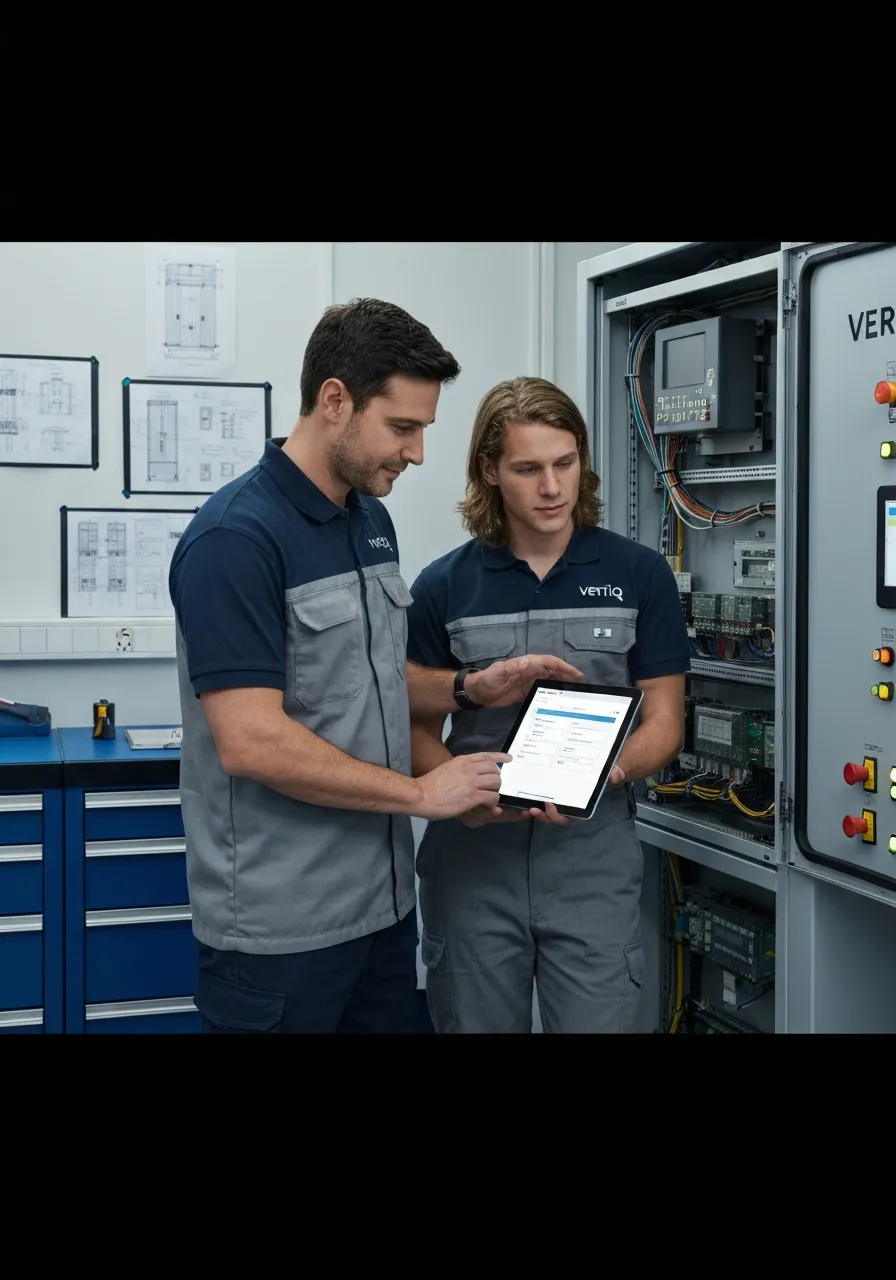
A structured map of where the AI Tutor appears inside your LMS: it follows the learner through content, prompts, and readiness checks without changing the wider course journey.
AI TUTOR CAPABILITIES
How the AI Tutor
Supports Learners
Embedded throughout Vertiq, the AI Tutor gives engineering learners clear, context-aware help inside lessons, videos, and quizzes: so they can keep moving without losing technical accuracy.
FEEDBACK
Smart Feedback
Highlights what to fix and why, using the same terminology your module uses for lift components, safety, and procedures.
CLARITY
Instant Explanations
Breaks down complex concepts quickly, with short definitions and examples that stay aligned to the course content.
WORK OUTPUT
Portfolio Guidance
Helps structure evidence for competence: what to document, what counts as proof, and how to keep it technically precise.
READINESS
Assessment Preparation
Targets weak areas with focused practice and explains the reasoning behind correct answers, not just the result.
AVAILABILITY
24/7 Support
Always-on help during study sessions: quick answers, step-by-step clarification, and prompts to keep you progressing.
IN-VIDEO HELP
Video Tutorial Integration
Explains key steps while you watch: definitions, safety callouts, and quick checks that match the video moment.
ASSESSMENTS
Quiz Integration
Guides you through questions with short hints, then explains correct options so learning transfers to real jobs.
PROMPTS
Knowledge-Check Prompts
Uses short questions at the right time to confirm understanding before you move on to more complex lift scenarios.
Capabilities
How the AI Tutor
Supports Learners
Choose your path: learners get in-the-moment coaching inside Vertiq. Employers get consistent support, evidence, and readiness signals across cohorts.
YOUR DIGITAL LEARNING SUPPORT
A Tutor Built Around Lift and
Escalator Training
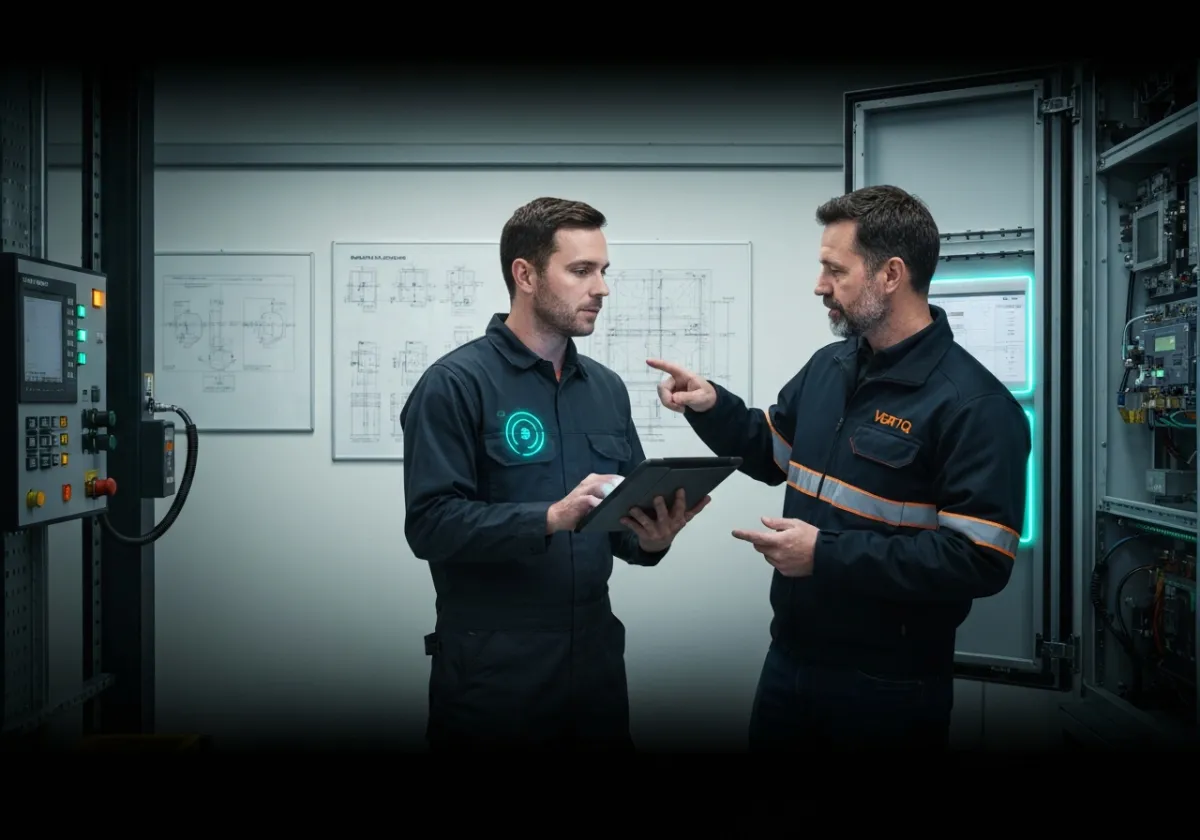
The Vertiq AI Tutor is built to support lift and escalator learners between practical sessions, workshops, and assessments. It helps you stay unblocked when you need a quick, technically accurate explanation or a refresher on a concept.
Use it to clarify terminology, interpret controller schematics, or sanity-check fault-finding steps before you walk up to the cabinet. The goal is simple: reduce delays and keep your learning moving forward with the right technical context.
AI support trained specifically in vertical transportation.
EXAMPLE PROMPT
Troubleshoot Door Interlock
I have an intermittent door lock fault on a 2-stop passenger lift. What checks should I perform on the interlock circuit and safety chain before swapping parts?
EXAMPLE PROMPT
Explain a Control Schematic
In this controller diagram, what does the UCM monitor relay do, and how does it interact with the brake circuit during inspection mode?
EXAMPLE PROMPT
Plan Safe Isolation
Write a step-by-step isolation plan for accessing the car top and opening the main control cabinet. Include lockout points and test-for-dead checks.
Built for lift and escalator learning workflows.
LMS INTERFACE MOCKUP
PROGRESS TOOLS
AI TUTOR
Learner: In inspection mode, what should I confirm before I start tracing the safety chain?
AI Tutor: Confirm the inspection controls are active, identify the safety chain reference points in the schematic, then verify each series device in order: door locks, pit switch, car top stop, and governor circuit where fitted.
- Explain a symbol or relay label
- Suggest a safe check sequence
- Summarise likely fault paths
Built Into Vertiq Training
How the AI Tutor
Supports Learners
A practical, always-on assistant for vertical transportation learners: it explains concepts in context, checks understanding, and keeps progress moving during shifts, site work, and study time.
Smart Feedback
Get corrective guidance on lift and escalator scenarios with clear next steps, so learners fix misconceptions quickly and continue with confidence.
Instant Explanations
Ask for a plain-language breakdown of technical terms, fault logic, or components so learners can move from theory to application faster.
Assessment Preparation
Target weak areas with focused practice prompts and quick clarification so learners are ready for tests, toolbox talks, and site sign-off checks.
24/7 Support
Learners can get help any time: late-night revision, early-start callouts, or between jobs. Answers stay consistent with your course standards.
Video Tutorial Integration
Ask questions while watching and get clarifications tied to the exact moment in the lesson, reducing rewatch time and boosting retention.
Knowledge-Check Prompts
Quick checks that confirm understanding before learners move on, helping reduce rework and reinforcing safe, correct decision-making.
TECHNICAL FAQ
AI Tutor Questions
Straight answers on what the AI Tutor can and cannot do: assessed work boundaries, lift-industry scope, accessibility, and day-to-day operation.
Will the AI Tutor complete assessed work or exams for learners?
No. The AI Tutor is designed to support learning, not to produce final graded submissions. It can explain concepts, point learners back to relevant training content, and help them understand how to approach a task. It will not complete assessed work on a learner’s behalf.
Is it trained for the lift and escalator industry or is it a general-purpose chatbot?
It is configured for lift engineering contexts and is intended to operate within the scope of the vertical transportation domain. The quality of answers depends on the lift-industry materials and standards you provide and approve. It is not positioned as a general internet chatbot for unrelated topics.
What happens when the AI Tutor is not confident about an answer?
When a question is ambiguous or outside the available training scope, the AI Tutor should respond transparently and avoid guessing. The recommended approach is to direct the learner back to the relevant module or to escalate the question to a human trainer or supervisor. This keeps guidance consistent and audit-friendly.
Can learners use it for troubleshooting real equipment on live jobs?
It is intended for training support, revision, and guided understanding. It should not be treated as an authoritative source for live site decisions or safety-critical work. For operational troubleshooting, learners should follow your approved procedures, site rules, and manufacturer documentation.
Does it store learner questions or personal data?
Data handling depends on your deployment and governance settings. As a baseline expectation, only the minimum data required to operate the tutor should be used, and access should be restricted to authorized roles. You should align retention and access policies with your organization’s privacy and compliance requirements.
How do we keep the AI Tutor aligned with our own terminology and standards?
Alignment comes from the content you choose to make available to the tutor: your modules, glossaries, procedures, and approved references. Keeping those materials current and consistent is the most reliable way to keep the tutor’s responses aligned. If your standards change, update the source materials and validate responses again.
Is it available at all times and what should we expect for reliability?
Availability depends on how your organization deploys and supports the service. Plan for normal maintenance windows and define an escalation route for learners if the tutor is temporarily unavailable. For critical learning periods, set expectations in advance so learners always have a backup path.
Does the AI Tutor meet WCAG AA accessibility expectations?
The interface should be implemented to meet WCAG AA expectations, including sufficient contrast, keyboard operability, and screen reader compatibility where applicable. Because accessibility can be affected by your specific theme, content, and embedding context, validate with your standard accessibility checks before broad rollout. If you use custom content, ensure it also meets contrast and readability guidelines.
Enquiry Form
Submit an Enquiry
Complete the fields below and we will route your request to the right Vertiq Training contact.
Internal setup: Use the hidden field routing_segment to route submissions in your GHL workflow (Role and Interest Area).